Computer Monitors
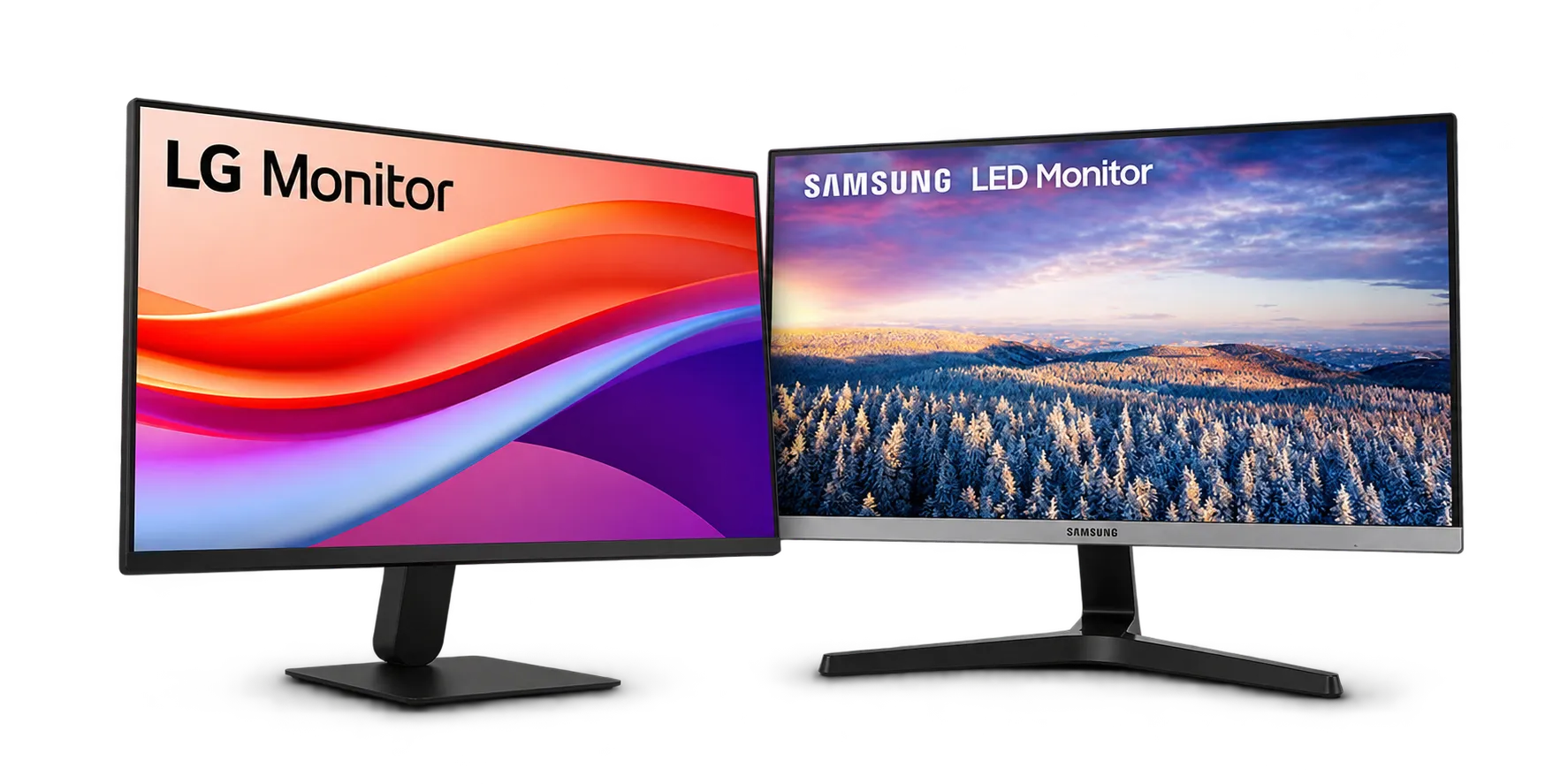
Computer monitors from Samsung and LG for office desks, schools, reception areas and dual-screen workstations.
Give your team clear, comfortable screens for long working days. We help you choose the right size and resolution for each desk, then deliver and set them up.
2 models
Samsung, LG
Our Computer Monitor Lineup
2 models from Samsung, LG. Open any product for photos, specifications and details.
Choosing a Monitor
Screen size and resolution decide most of the choice. Larger, higher-resolution screens make spreadsheets and side-by-side windows easier to work with, while eye-care features help staff who sit in front of a screen all day. Also check the inputs your computers use, such as HDMI or DisplayPort.
Office desks and workstations
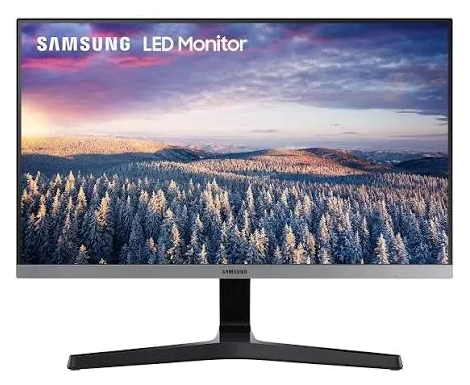
Everyday monitors for documents, email and spreadsheets. Samsung offers slim, reliable screens for busy offices.
Dual-screen setups
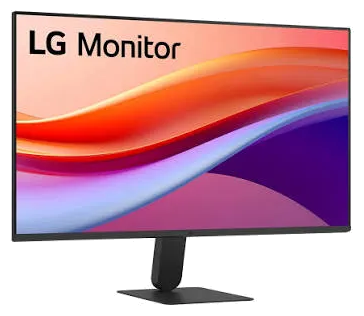
Add a second screen to boost productivity for finance, admin and design work. LG monitors pair well side by side.
Schools and reception areas
Reliable displays for computer labs, front desks and shared workstations.
For Every Desk
Real workloads our clients run on these machines every day. Each example links to a model that suits it.
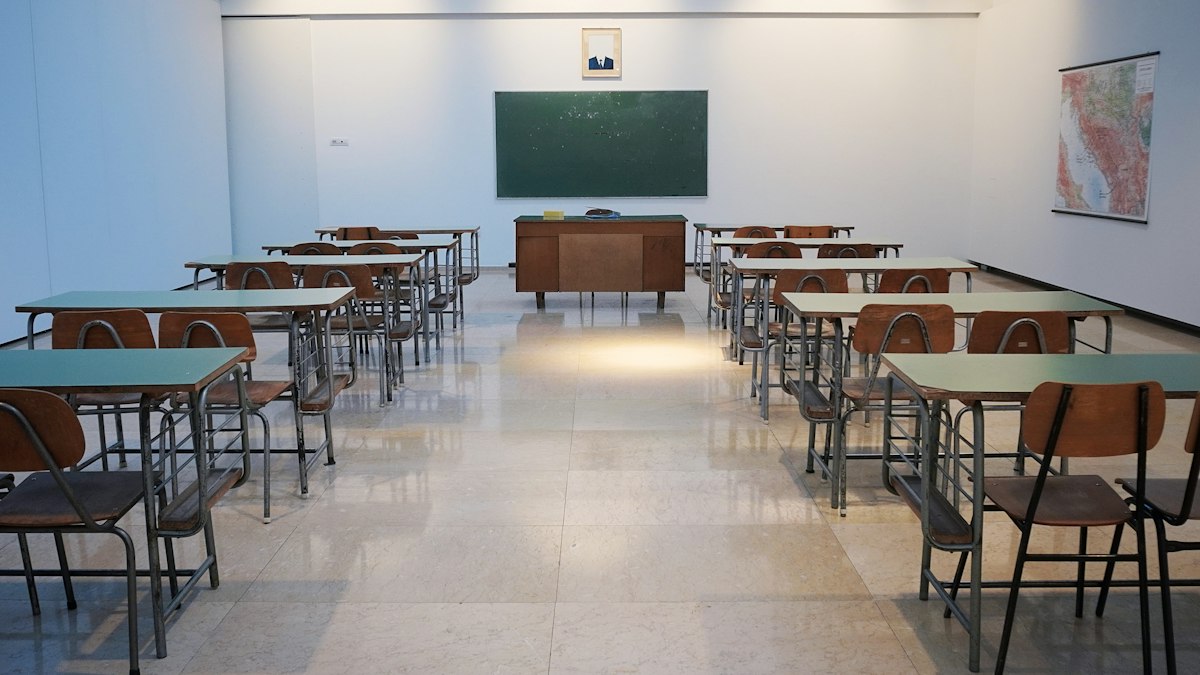
Reception & Front Desks
Clear screens for counters, queues and customer service.

Government & LGU Offices
Dependable monitors for daily processing and records work.
Why Buy Your Monitor From Rongelvil
Since 2009, Rongelvil Trading Inc. has supplied and serviced office and printing equipment for companies, schools and government agencies across the Philippines. You deal with one team from quotation to installation and after-sales care.
Genuine, Brand-New Units
Every machine is sourced through official channels and arrives sealed, with the manufacturer warranty intact.
Delivery & Installation
Our technicians deliver and set up each monitor, connect it to your computers and check the display settings with your team.
Training for Your Staff
We show your users how to adjust brightness, position and multi-screen settings for comfortable everyday use.
After-Sales Support
Warranty assistance, replacements and a local service team when you need help.
Things to Know About Computer Monitors
Choosing a monitor size
Dual-monitor setups
Bulk orders
Samsung and LG compared
Get a Quotation
Tell us how many screens you need, the sizes you prefer and your budget. We will recommend the right models and send you a quotation.
Request a QuoteRelated categories