Document Scanners
Ricoh document scanners for offices, reception desks, records rooms and digitization projects.
Turn paper files, forms and ID cards into searchable digital documents. We help you choose the right speed and features for your workload, then deliver, install and set up the scanning software.
1 model
Ricoh
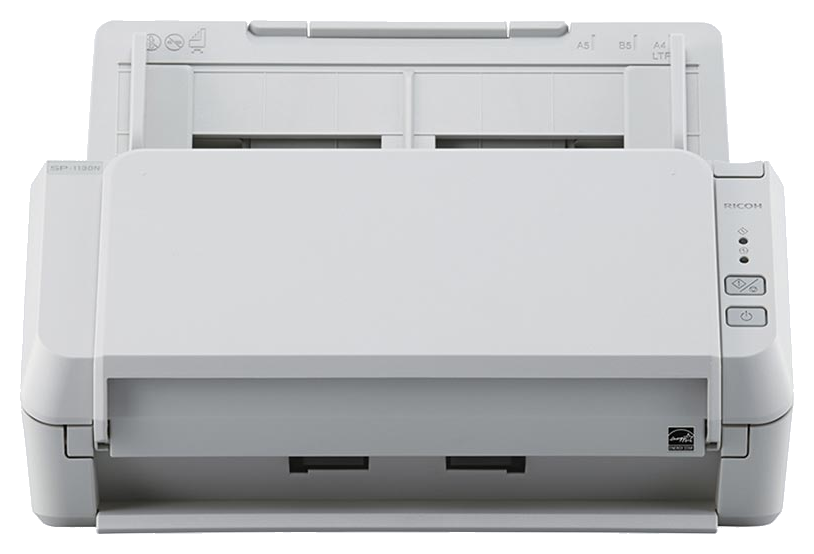
Our Document Scanner Lineup
1 model from Ricoh. Open the product for photos, specifications and the brochure.
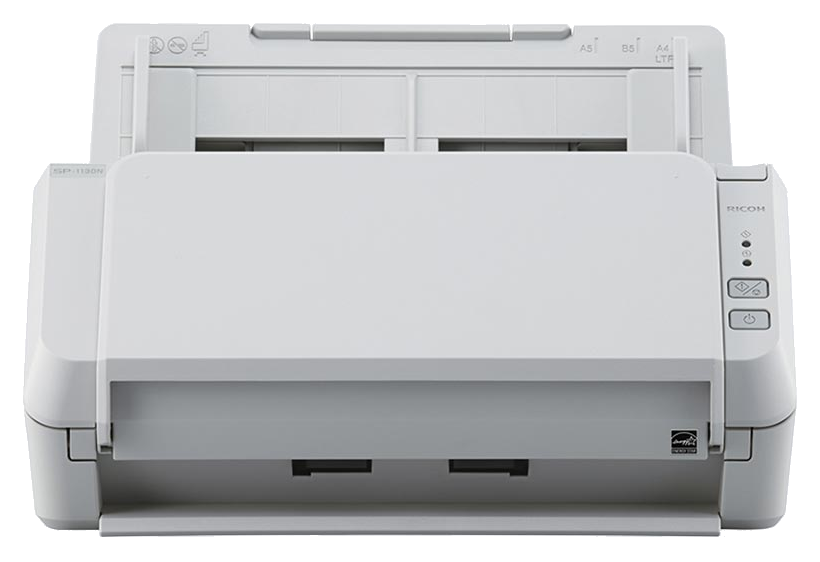
Choosing a Document Scanner
Look at how many pages you scan each day, the paper sizes and card types you handle, and where the scanner will sit. Network models let several staff share one scanner, and a good automatic document feeder keeps batches moving without jams or double feeds.
Reception and front desks
Scan application forms and ID cards in one batch so customers spend less time waiting.
Records and HR
Digitize contracts, personnel files and archives into searchable PDFs.
Shared office scanning
Network-ready scanners that the whole team can use from one desk.
For Every Workflow
Real workloads our clients run on these machines every day. Each example links to a model that suits it.


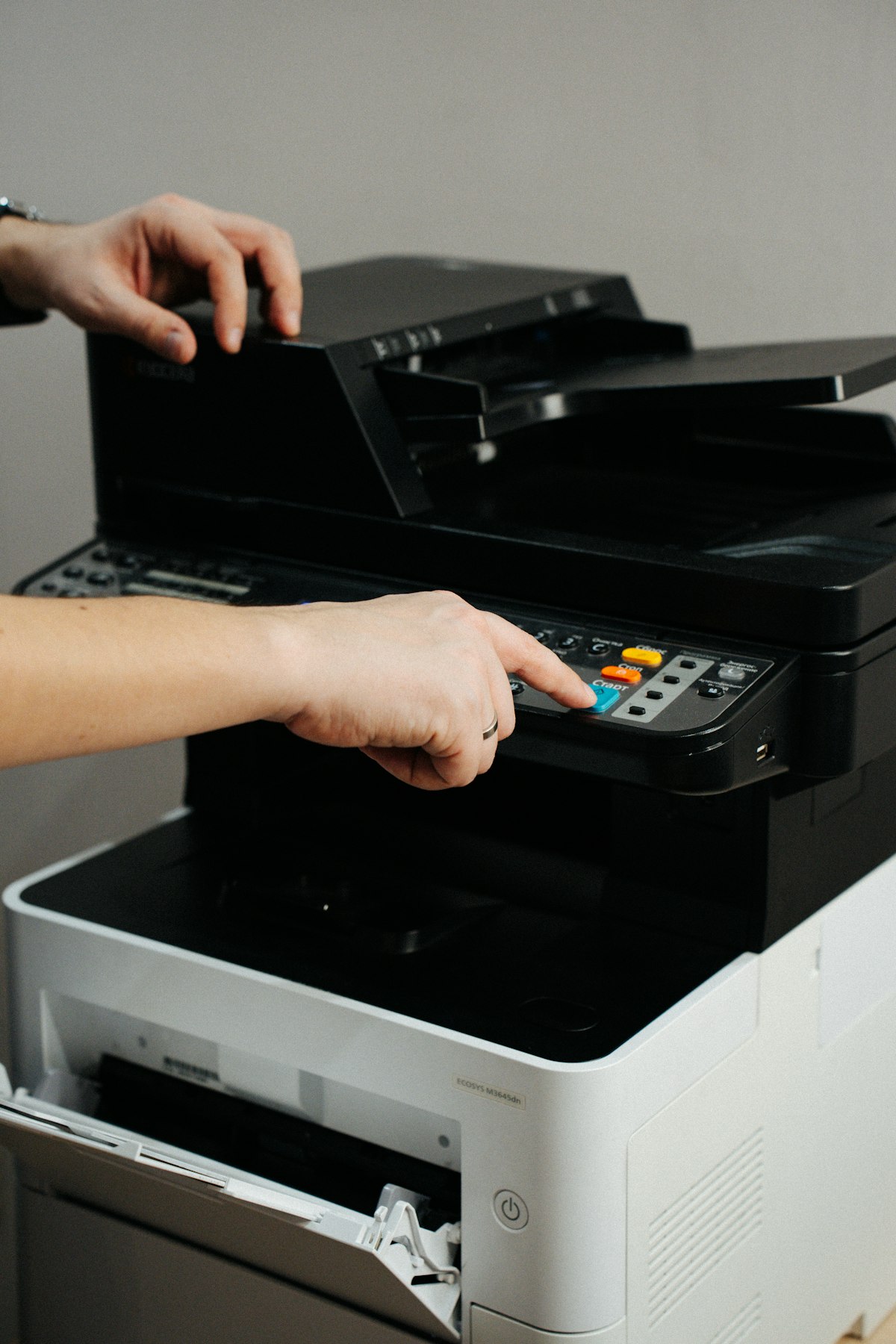
Finance & Accounting
Invoices, receipts and statements scanned straight to folders.

Government & LGU Offices
Applications and permits digitized for faster processing.
Why Buy Your Document Scanner From Rongelvil
Since 2009, Rongelvil Trading Inc. has supplied and serviced office and printing equipment for companies, schools and government agencies across the Philippines. You deal with one team from quotation to installation and after-sales care.
Genuine, Brand-New Units
Every machine is sourced through official channels and arrives sealed, with the manufacturer warranty intact.
Delivery & Installation
Our technicians deliver and install the scanner, set up the scanning software and connect it to your network and folders.
Training for Your Staff
We show your users how to scan to the right folders so the scanner is used properly from the first day.
After-Sales Support
Preventive maintenance, replacement rollers and a local service team when you need help.
Things to Know About Document Scanners
ID cards and thick paper
Choosing the right scan speed
One scanner for several staff
Scanning software installation
Get a Quotation
Tell us your daily scanning volume, document types and budget. We will recommend the right model and send you a quotation.
Request a QuoteRelated categories